Start here
Fiction Reader runs on your own computer, phone or home server. There's no Fiction Reader account and no hosted service, so the first thing to decide is where your library will live.
Install the desktop app. It includes everything it needs, keeps the library in a folder you choose, and opens in its own window.
Run the Docker image on a spare machine. Every device on your network then reads the same library in a browser.
Install the Android app. It can connect to your server, or keep a library of its own on the phone.
You can change your mind later. The desktop app can be pointed at a server, and the Android app can switch between a server and its own library without losing either.
What it does
It works with six fiction sites: Royal Road, Archive of Our Own, FanFiction.net, SpaceBattles, Sufficient Velocity and Questionable Questing.
- Find a story by searching several sites at once, by browsing one site with its own filters, or by pasting a link. You can paste a whole list of links too.
- Subscribe to it. Fiction Reader fetches the chapter list and then checks for new chapters on a schedule.
- Download the chapters you want. Downloading is a separate switch from subscribing, so you can look through a story before fetching hundreds of pages from someone's site.
- Read in a plain view with your own choice of font, colours and spacing.
- Keep up with an unread queue, an inbox of what changed, and notifications if you want them.
- Search the text of everything you've downloaded, along with your own highlights and notes.
- Import your own books in EPUB, Kindle, PDF and other formats, and read them in the same app.
- Carry on elsewhere. Your place follows you to every device that uses the same library.
Every page
Installing it
Desktop, Android, server, browser, and the quick-subscribe extension.
Getting startedSetting up
Where the library lives, profiles, the guided tour, and turning sites on.
Using itFinding stories
Searching, filtering per site, saved presets, pasting links, and the subscribe options.
Using itYour library
The shelf, filters, saved views, tags, collections and a story's own screen.
Using itKeeping up
The unread queue, the inbox, notifications, downloads and reading history.
Using itReading
The reading view, typography, highlights and notes, and edited chapters.
Using itSearching your archive
Finding a passage in what you've downloaded, and your notebook of highlights.
Using itMy Books
Importing EPUBs and other files, folders, tags, and removing a book safely.
Beyond one deviceReading offline
Saving stories onto a device and reading them with no connection.
Beyond one deviceMore than one device
Keeping progress, notes and your own books in step through a folder or Google Drive.
Beyond one deviceThe Android app
Connecting to a server, the on-phone library, and background checking.
ReferenceSettings reference
Every card on the Settings screen and what it changes.
ReferenceRunning a server
Docker Compose, configuration, backups, upgrades and TLS. Technical.
ReferenceTroubleshooting
What to check when a story won't download or a device won't connect.
About the screenshots
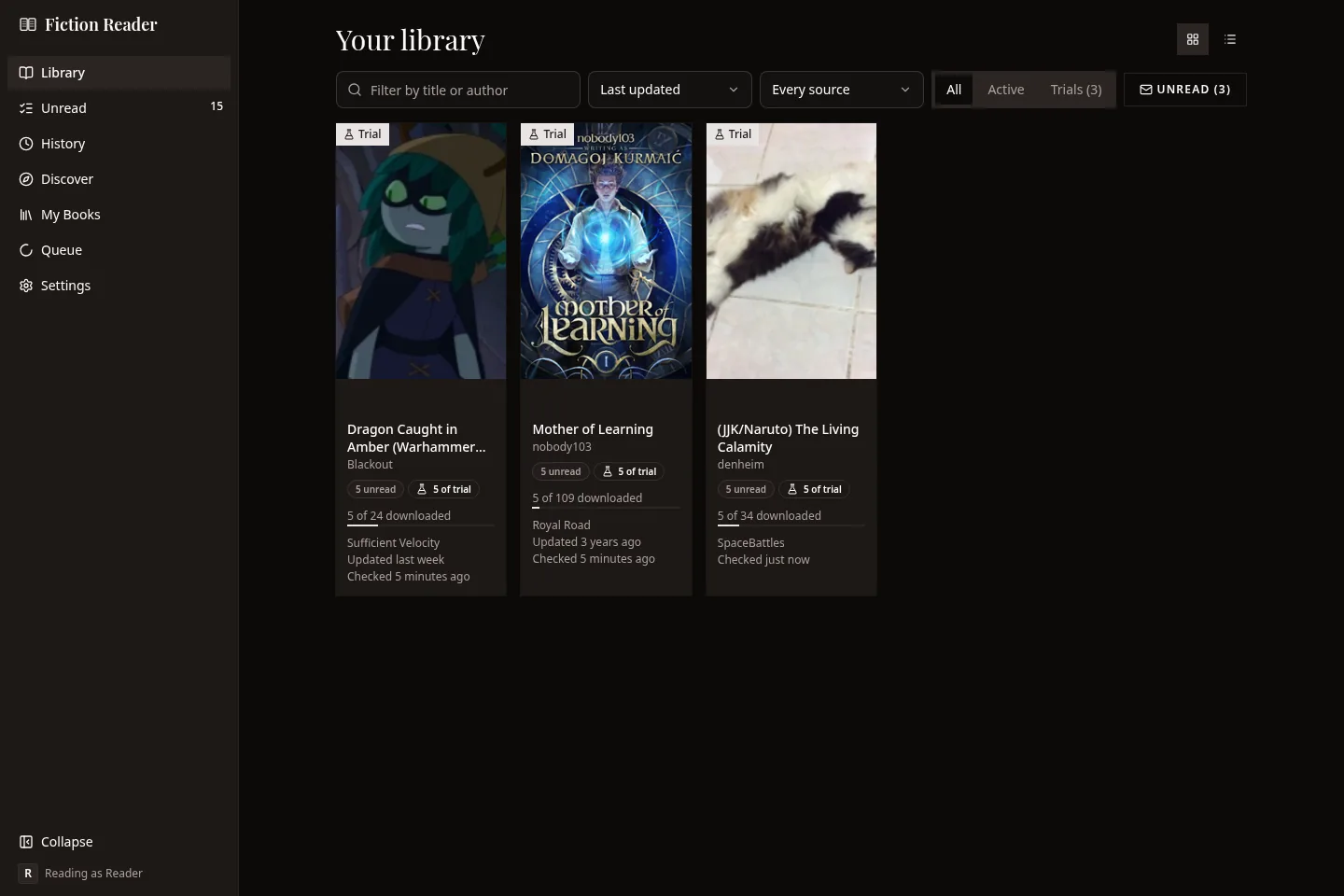
The screenshots in this guide were taken from Fiction Reader v0.8.4 in the dark theme. The library in them was set up for the guide, using real stories from Royal Road, SpaceBattles, Sufficient Velocity, Archive of Our Own and FanFiction.net, and three public-domain ebooks. The light theme has the same layout in lighter colours.
Fiction Reader doesn't host or redistribute any of that material. The titles, covers and text shown belong to their authors and to the sites they were published on.