The shelf
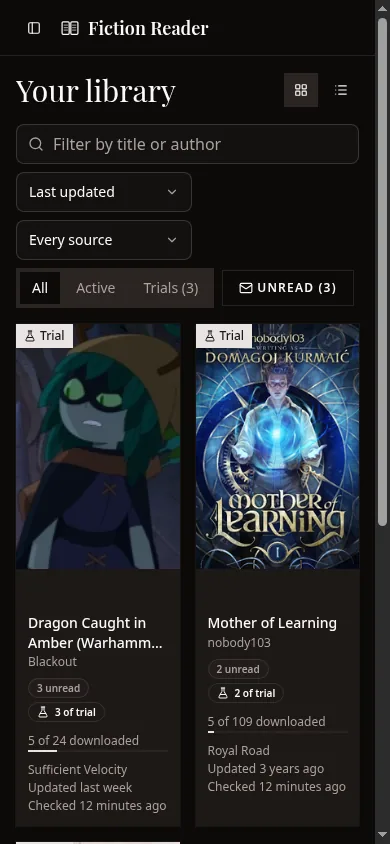
The library shows every story you follow, as a grid of covers or as a list. A story with no cover art gets a coloured tile with its initials, which is what you'll see for AO3 works.
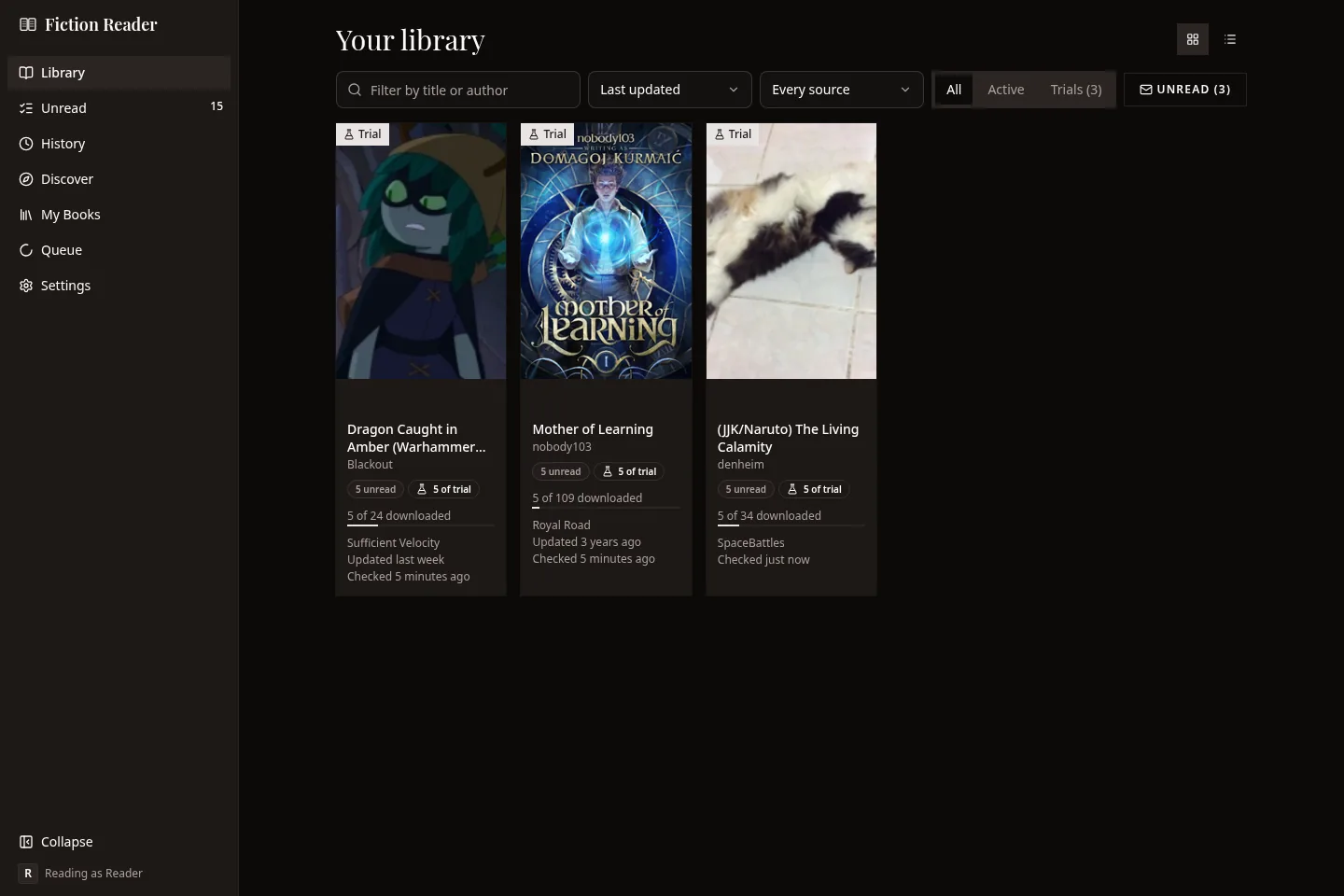
The buttons at the top right switch between the cover grid and a list with one row per story. The list is easier with a large library or a keyboard. The app remembers which you chose.
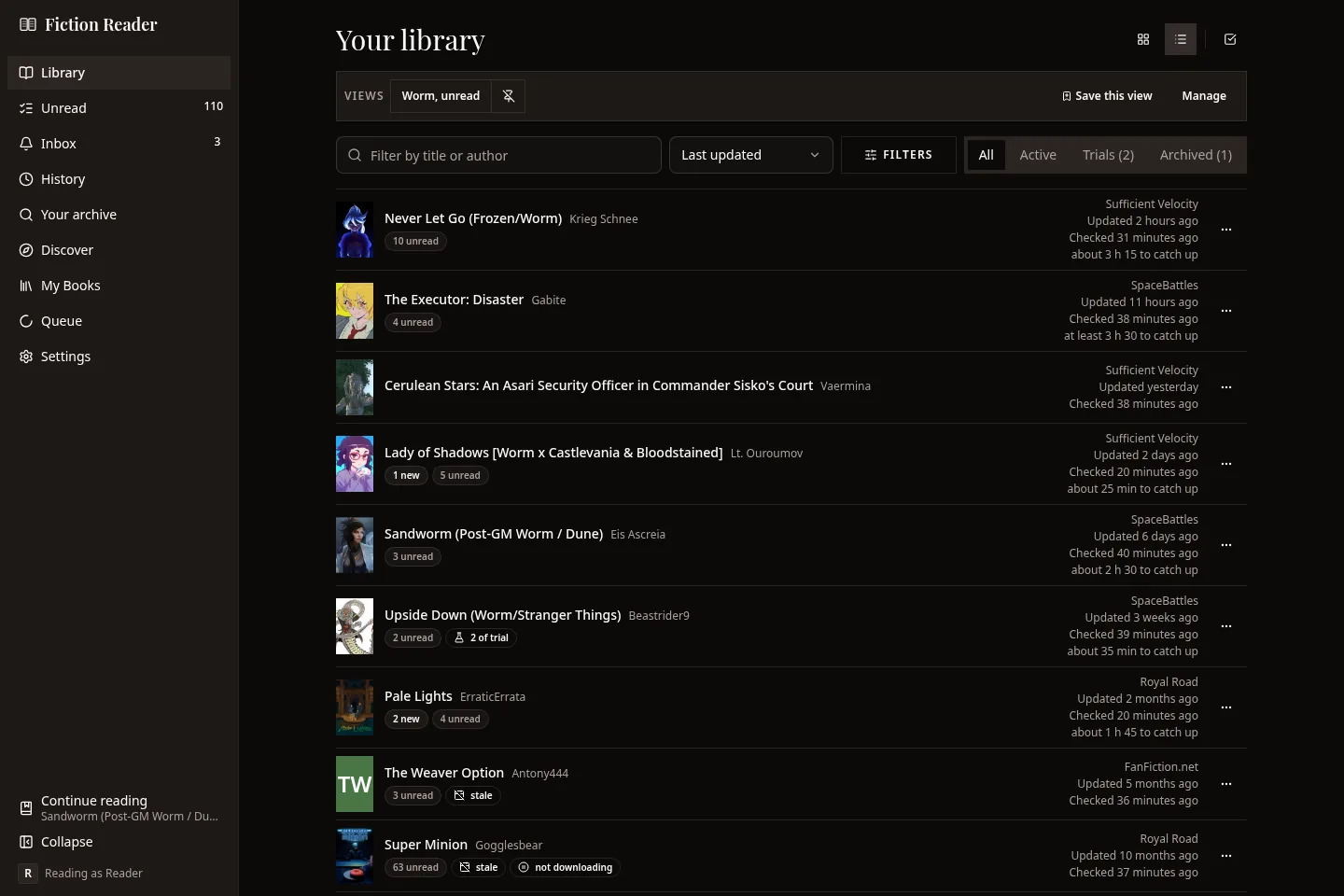
What the badges mean
| Badge | Meaning |
|---|---|
| 2 new | Chapters that arrived since you last opened the story. |
| 7 unread | Chapters you haven't read, including the new ones. |
| 3 of 4 downloaded | Downloads are still in progress. |
| checking | The app is looking for new chapters right now. |
| needs attention | The last check failed. The badge carries the reason. |
| not downloading | You're subscribed, but the download switch is off. |
| Trial ribbon | Only the first few chapters were downloaded, and the story isn't checked for updates. See Trial read. |
| Archived ribbon | You've put the story away. It's still readable but isn't checked for updates. |
| stale | Nothing new for longer than the limit you set. Plenty of serials come back, so this is only a hint. |
| on device | Saved onto this device for offline reading. Desktop and Android only. |
The last line on a card estimates how long the unread chapters would take you to read. If some of them haven't been downloaded yet, their length isn't known, and the estimate says "at least".
Edited chapters aren't counted in these badges. You'll find them on the chapter row inside the story and in the Revised tab.
Narrowing the shelf
The row above the shelf has a search box, a sort order, a Filters button and the shelf tabs.
- The search box matches titles and authors as you type. It's the one control that isn't remembered when you come back.
- Sort by last updated, most unread, recently checked, recently added, recently read, title or author.
- The shelf tabs are All, Active, Trials and Archived. A story is only ever in one of the last three.
Everything else is behind Filters.
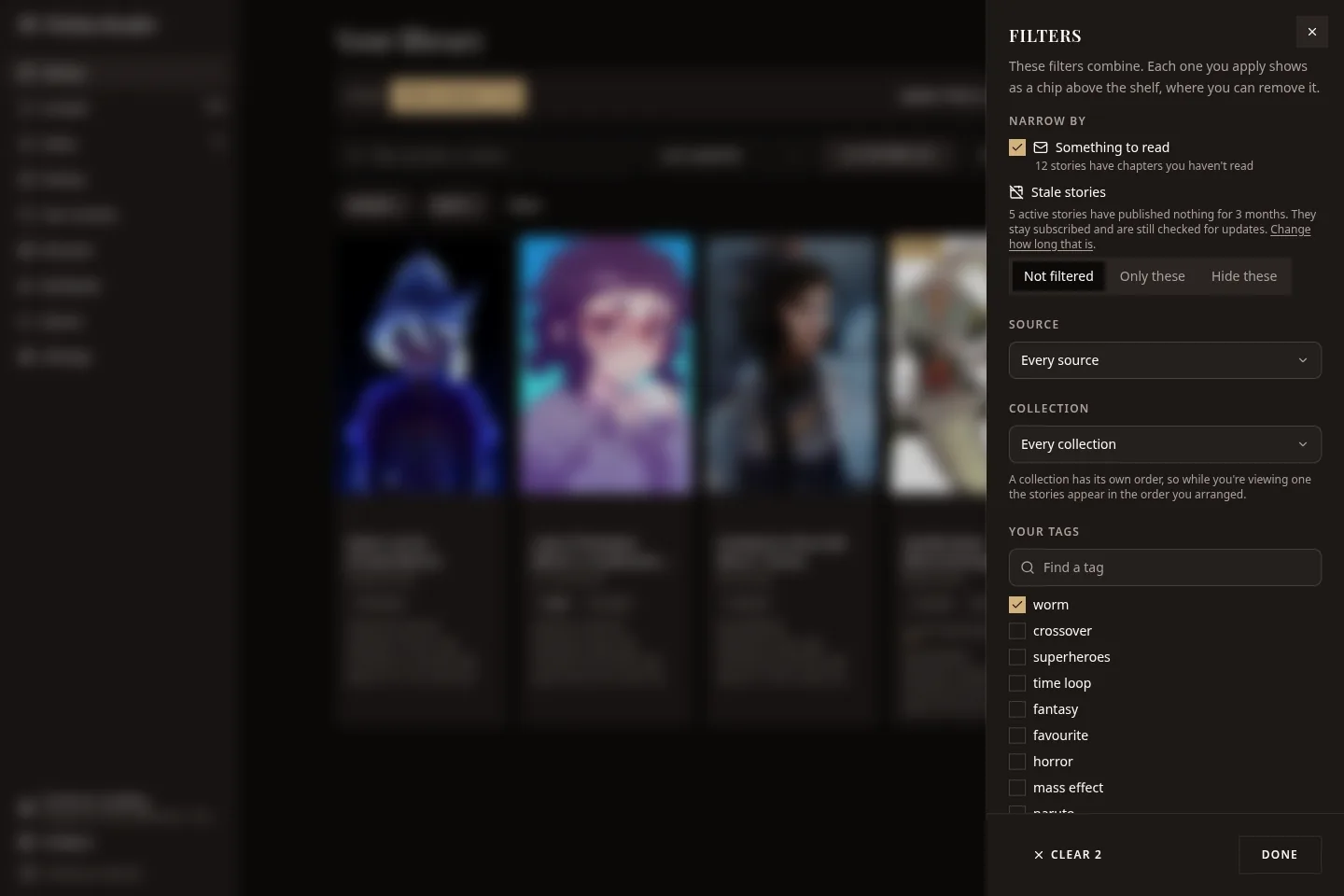
In the panel you can narrow the shelf to:
- stories with something unread;
- stale stories only, or everything except stale stories;
- one source;
- one collection;
- one or more of your tags, where a story has to have all the tags you tick;
- a state, such as new chapters, edited chapters, complete, not downloading or partly downloaded.
The filters combine. Each one you apply appears as a chip above the shelf, and you can remove it there. Reset clears them all.
Saved views
If you keep setting up the same filters, save them. Filter the shelf the way you want it and press Save this view. A view keeps the shelf tab, sort order, source, layout, tags and other filters. It doesn't keep what's in the search box.
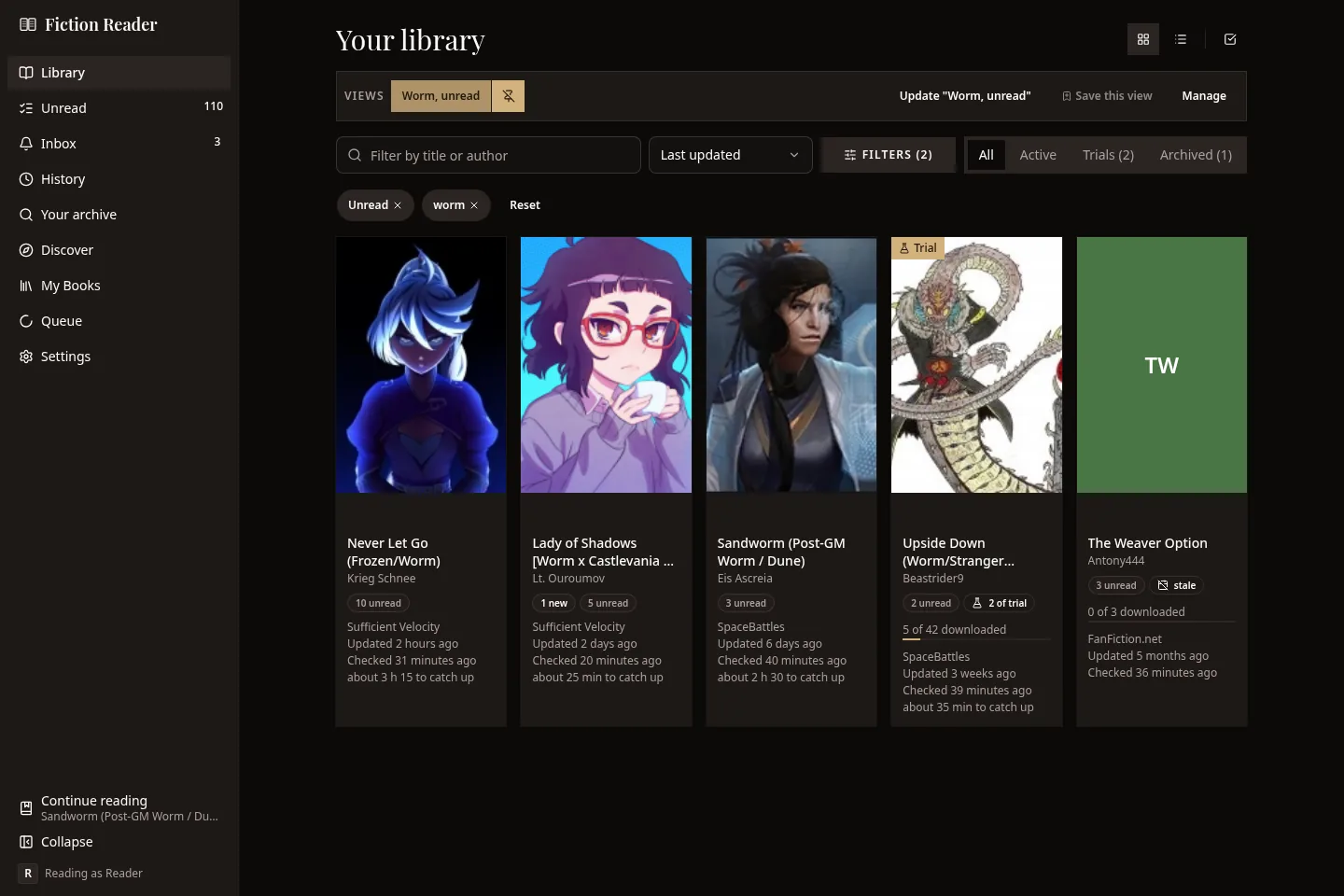
Pinned views appear in the Views bar, and pressing one applies it. If you change the filters while a view is applied, the bar offers to update it. Manage lets you reorder, pin, unpin and delete views. Views are saved with your profile, so they're on all your devices.
Changing several stories at once
Press the tick-box button at the top right to select stories. Then click the ones you want, or use Select all shown.
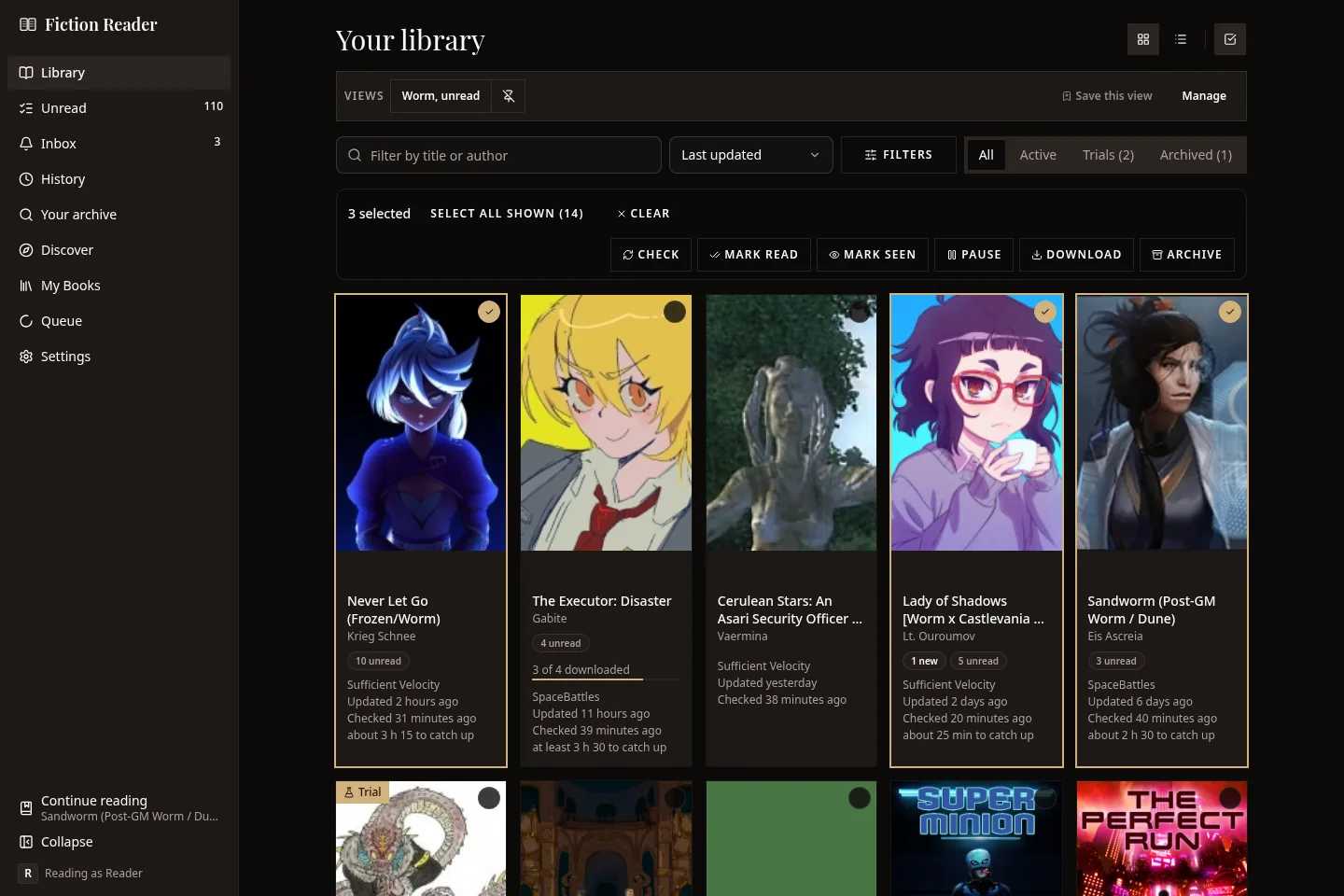
The bar that appears can check the selected stories for updates, mark them read, mark their new chapters as seen, pause or start their downloads, and archive them. Stories that are already in the state you asked for are left alone, and if anything fails you get a list saying which and why.
Tags and collections
These are your own, and each profile has its own set. They don't come from the sites.
- Tags are labels. Add them from a story's screen or its right-click menu. You can then filter the shelf by them.
- Collections are groups of stories in an order you choose, for a series or a reading list. Pick one in the Filters panel and the shelf shows that collection in your order. Drag a story by its grip to move it, or focus the grip and use the arrow keys.
A story's own screen
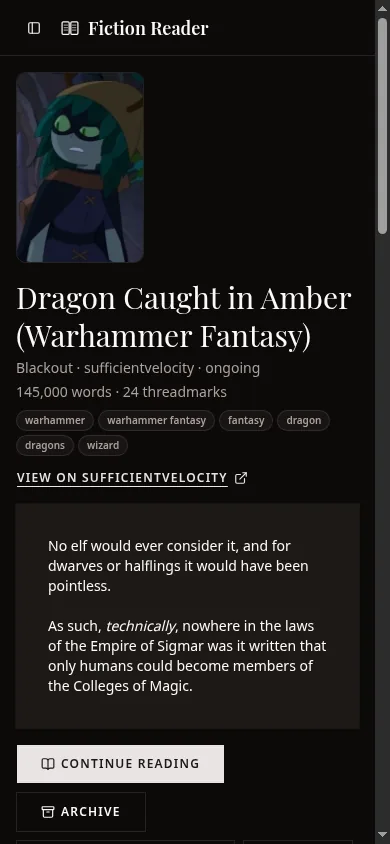
Opening a story shows its cover, author, status, word and chapter counts, tags, and a link to the original page. The description is below that, followed by the controls.
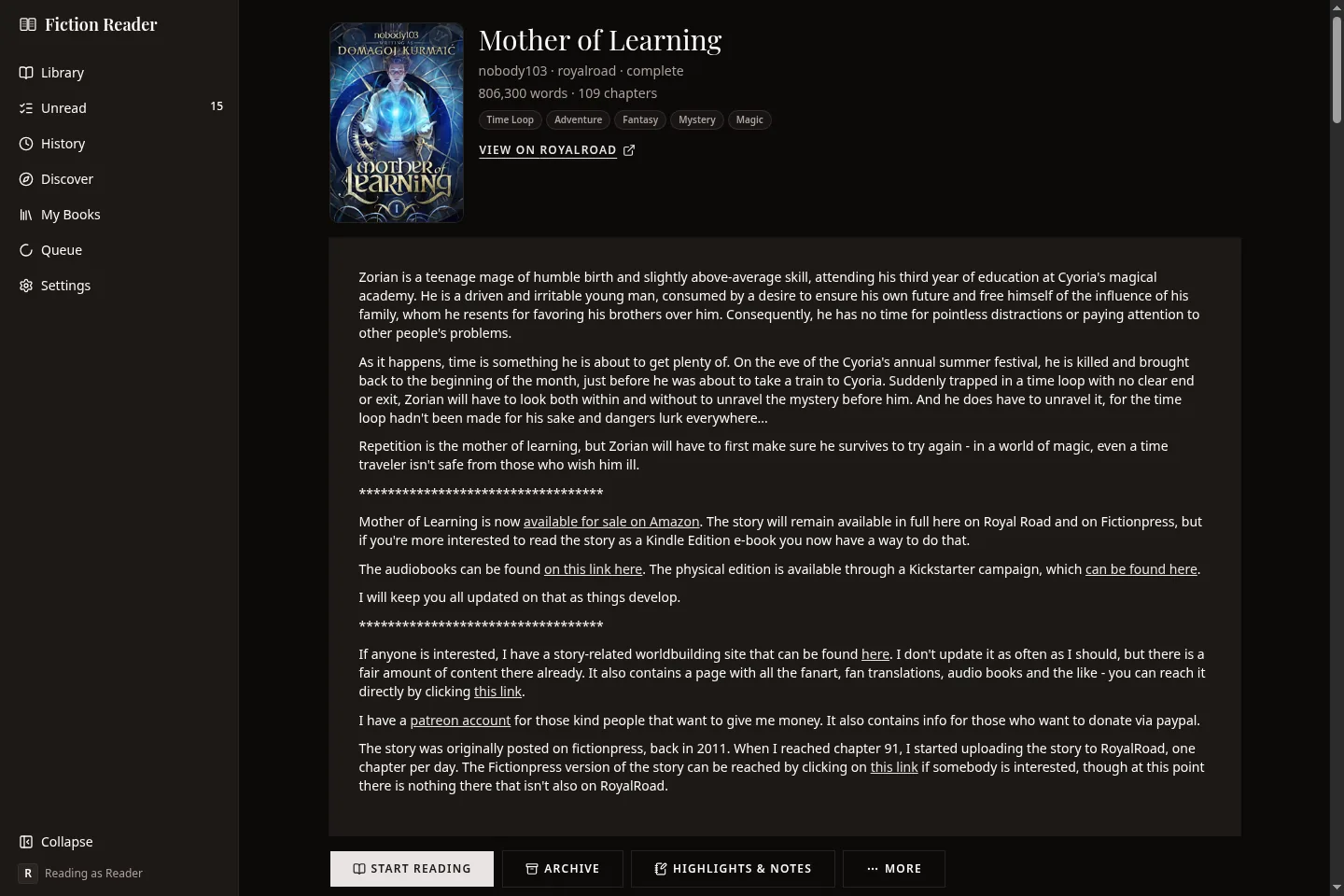
The buttons
Continue reading (or Start reading), Archive, Highlights & notes, and More. More has the table of contents, marking new chapters as seen, refreshing now, downloading every chapter again, and unsubscribing.
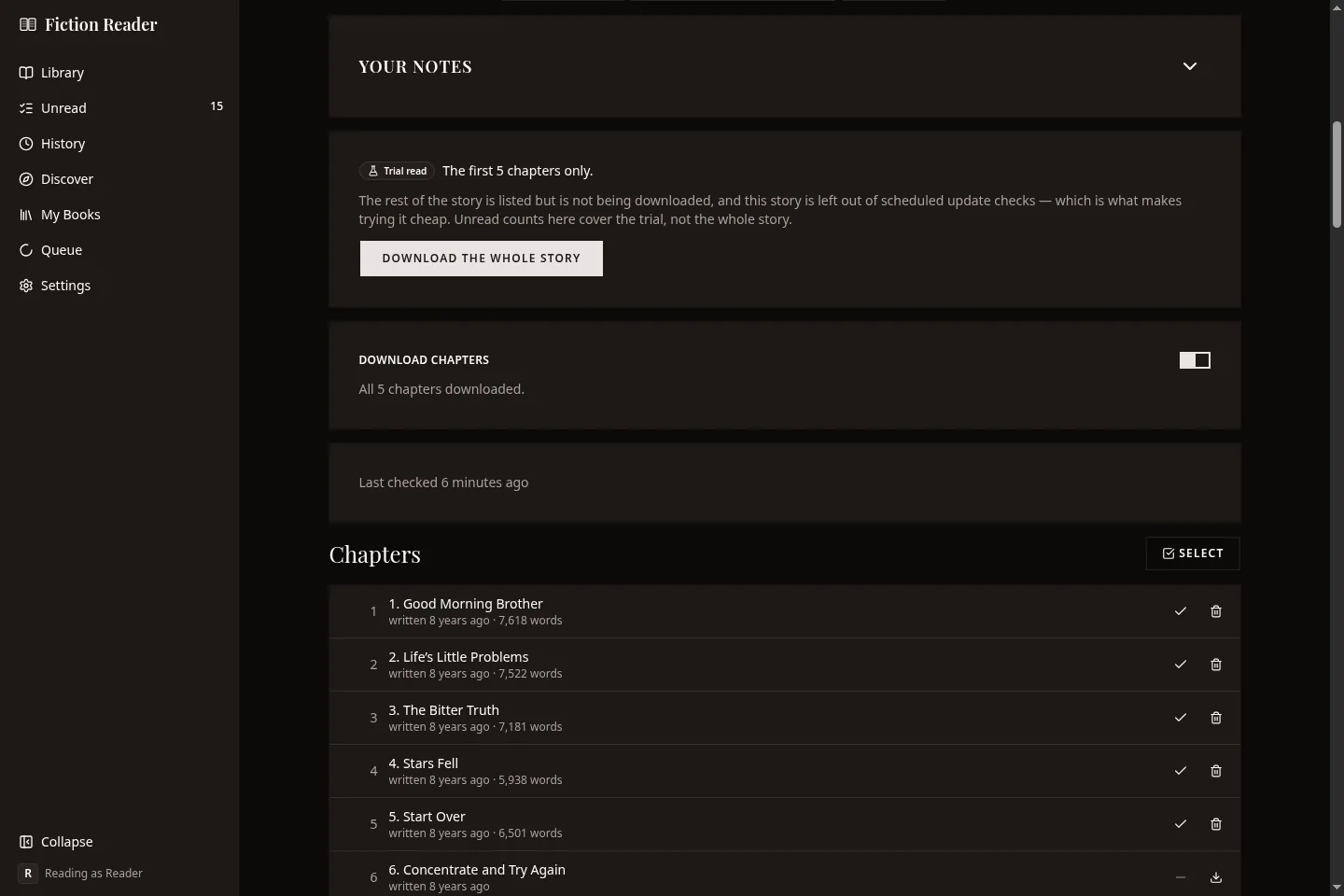
Downloading
There's one download switch. When you turn it on, it waits five seconds before doing anything and shows a countdown, because on a long story that switch queues hundreds of requests. Turn it back off within the five seconds and nothing is sent. Turning it off takes effect straight away.
Tell me about this one
This switch decides whether the story sends notifications. With it off, new chapters still show in the inbox and count as unread. You just aren't notified.
Your notes
A folded card with your tags for this story, its collections, a private note and a verdict: Liked, Fine or Not for me. It's all per profile.
The chapter list
Each row has the chapter's number, title, date and word count, and its state: new, edited since you read it, read, or downloading. A row that hasn't been downloaded says so, and opening it downloads it there and then.
Once you've read part of a story, the list splits into unread chapters and a folded Read section.
Above the list you'll find tabs for the author's extra lists (if there are any), the sort order, a toggle to show deleted chapters, and a box for jumping to a chapter. Select adds tick boxes so you can download, delete the text of, or mark as read or unread several chapters at once. The desktop and Android apps can also save and remove chapters on the device from here.
Chapters deleted at the source
If a chapter disappears from the site, Fiction Reader keeps your copy and flags it. Opening it shows a banner with the date it was removed. It still reads normally.
Archiving and unsubscribing
These sound alike, but they do different things.
| Archive | Unsubscribe | |
|---|---|---|
| Downloaded chapters | Kept and readable | Kept and readable |
| Your place and your notes | Kept | Kept |
| Update checks | Stopped | Stopped |
| Downloads | Paused, and anything queued is cancelled | Stopped |
| A copy saved on this device | Kept | Removed |
| Can you undo it? | Yes, from the story screen | Only by subscribing again |
Most of the time, archiving is what you want. A story you've finished with for now stops being checked every few hours, and it moves off the main shelf.
Returning a story to the library restarts the checks but not the downloads. If you open a chapter of an archived story, the reader offers to bring the story back.
Unsubscribing asks you to confirm first and tells you what will be kept.
On a phone
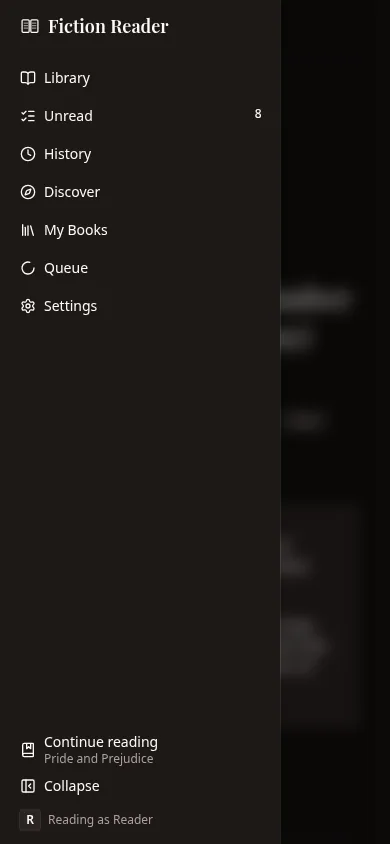
The same screens rearrange themselves for a narrow screen. The sidebar becomes a panel that opens from the top left.